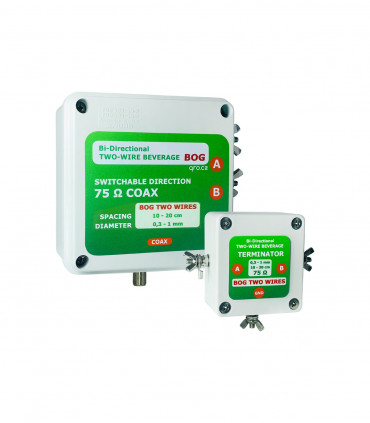
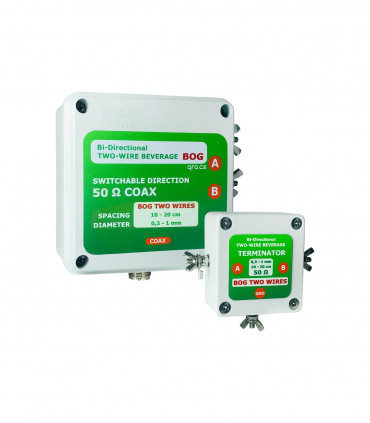
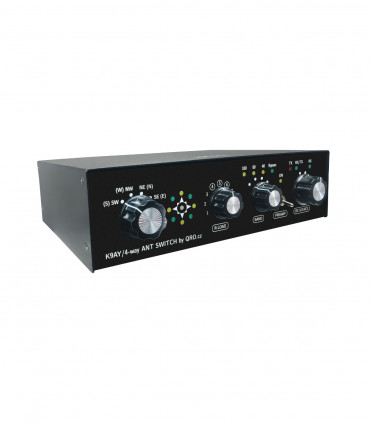
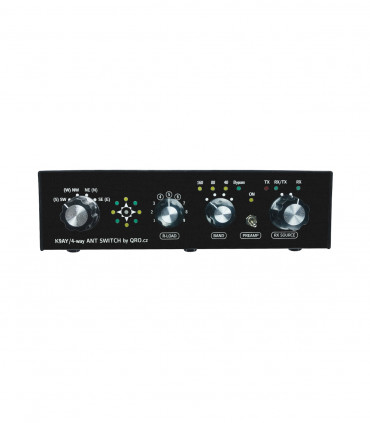
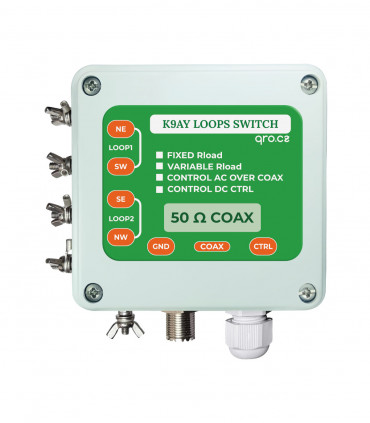
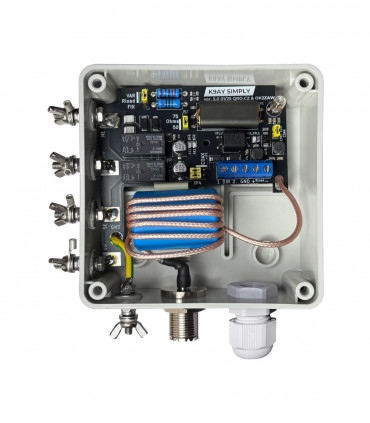
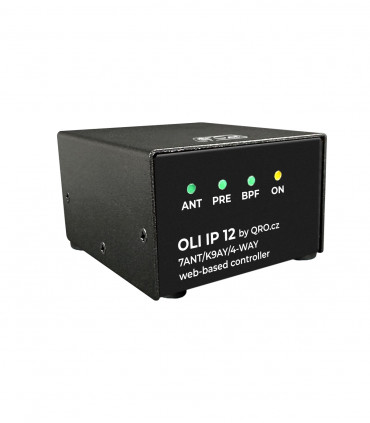
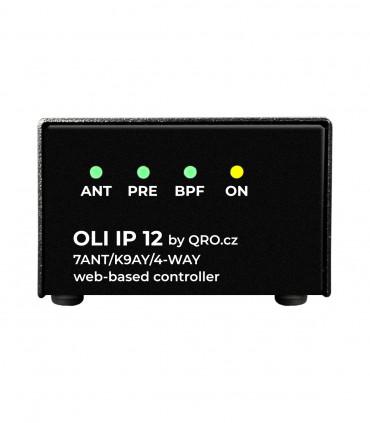
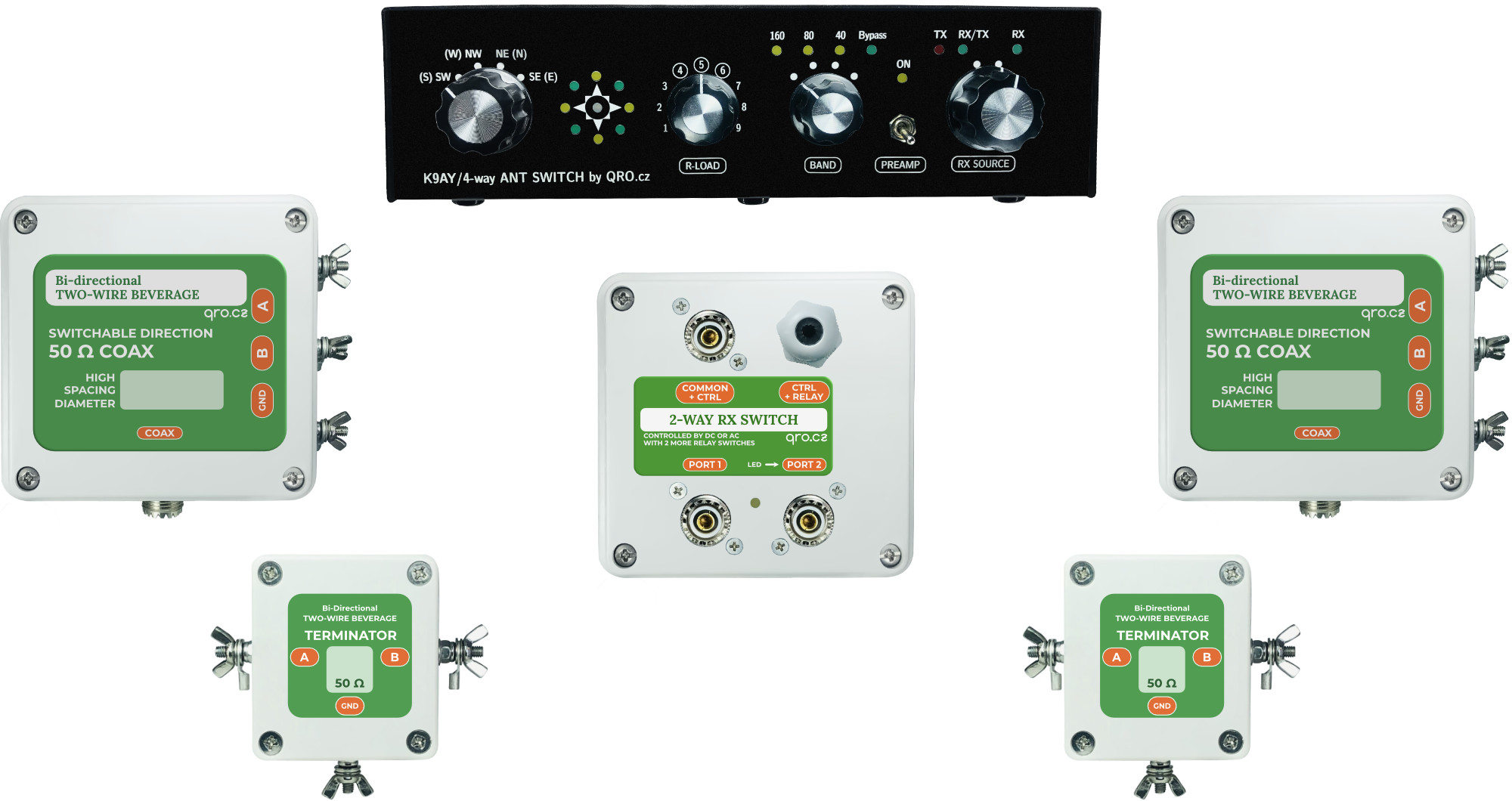
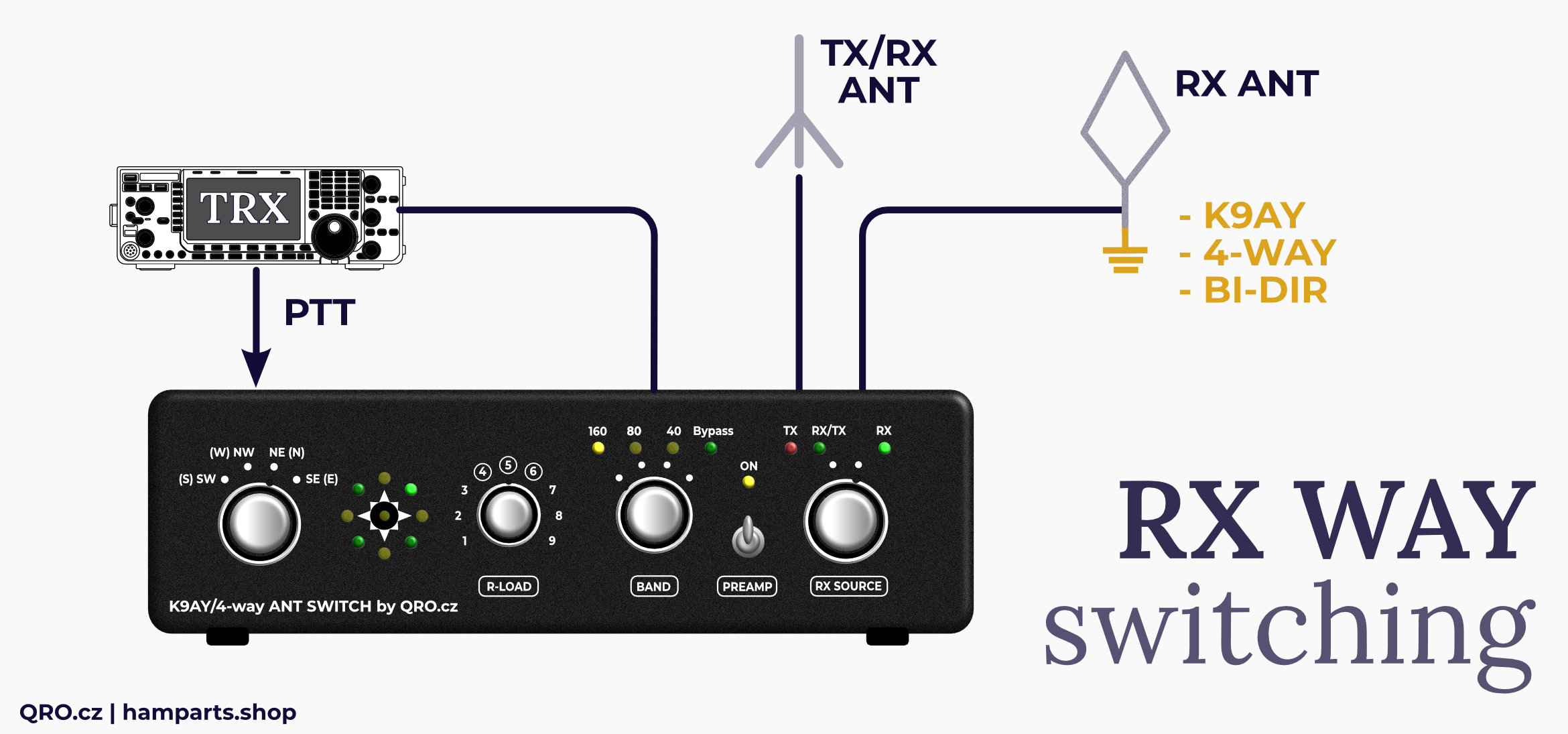
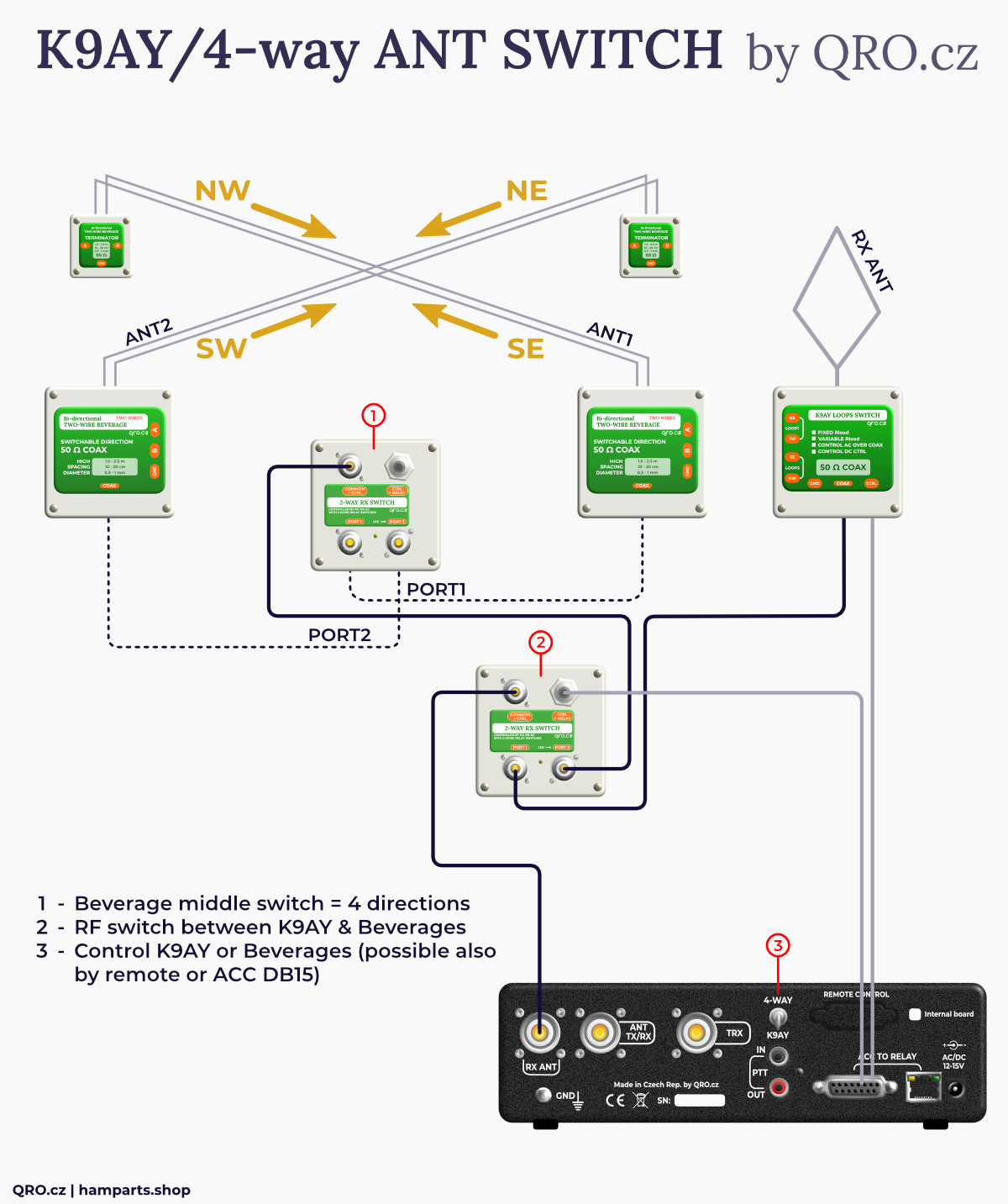
This 4-way Beverage antenna system consists of two Bi-dir Beverage sets, 2-way RX antenna switch and controller. That all allows to have 4 directions Beverage or/and K9AY antenna system with only one coax line from field to the controller. Controller have got internal PCB with 3 BPFs, preamp and protections. There is also RX antenna switch for TRX which does not have input for RX antenna. You can also connect an external IP module to control the entire system remotely.
Jump to
Step by step
Controller
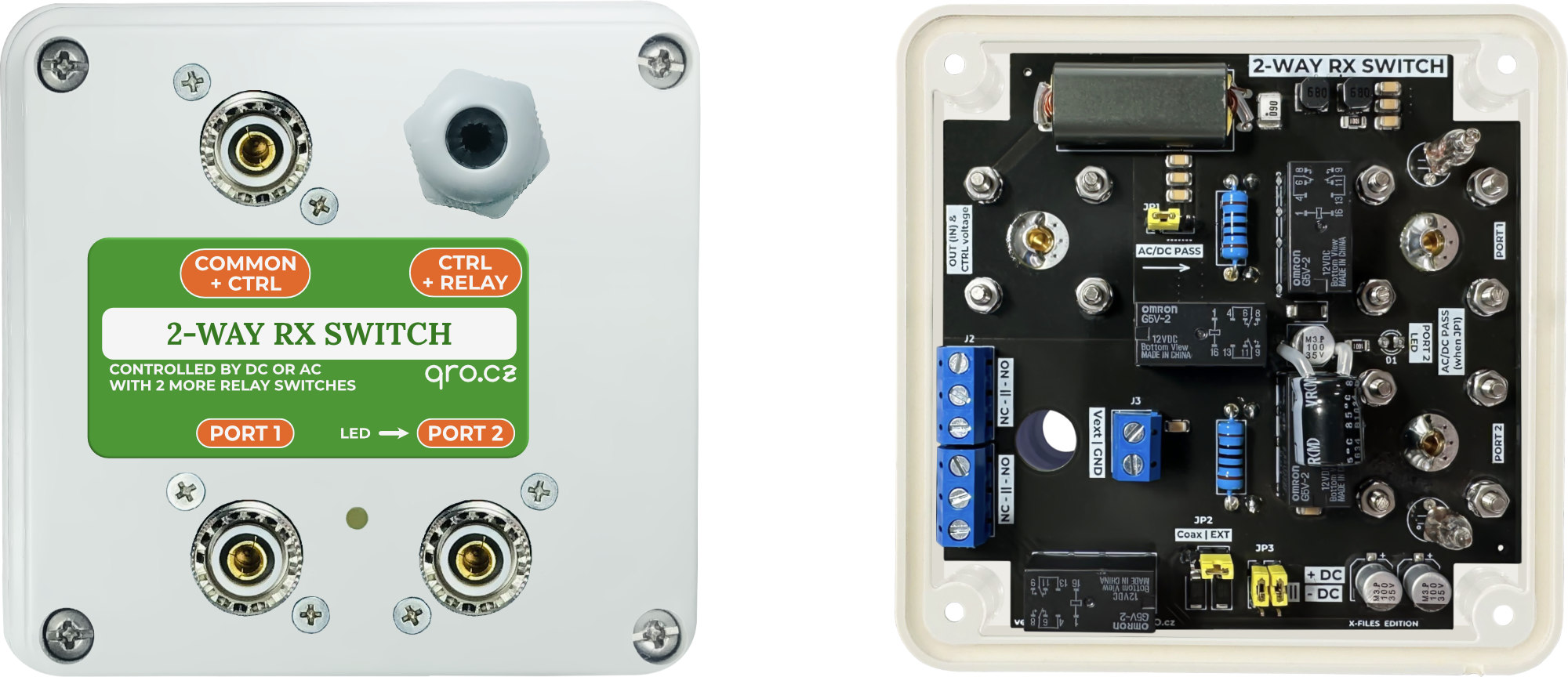
2-way RX switch box
Bi-directional beverage antenna ONE coax output
Adding K9AY simply feeder
Where are your feeders? Direction matrix
Options: Recommendations to buy
Previous versions
Product details
Step by step
- - Select the appropriate Beverage Antenna design. Here it depends on your possibilities and space. Result: the classic antenna in the air design gives a stronger signal but needs more space.
- - You can also add a K9AY, which does not need a large space.
- - You can combine Classic and BOG, but you have to count with different signal and noise levels - it can be annoying. You can compensate by reducing the RF-Gain on RX and using Volume, for example.
- - Avoiding bringing RX antenna close to other masts and vertical antennas. Also, installing a Beverage antenna over a metal fence is not a good way to go.
- - Connect the Bi-DIR Beverage antennas to the 2-WAY RX switch with a coaxial cable.
- - Set the 2-WAY RX switch to control with - DC and turn on AC/DC Pass.
- - Connect the 2-WAY RX switch to the controller with a coaxial cable.
- - Set the correct jumper configuration inside the controller to match the location of your antennas - direction, LED indication, etc.
- - Put the switch on the back panel of the K9AY/4-WAY in the correct position: which antenna you want to control.
- - You can add one more 2-WAY RX switch to use both, 4-way Beverage and K9AY.
- - Connect the 12 V AC power supply.
- - Test.
- - Go do DX :)
⚠ There are the common-mode current filters which help you to obtain as low antenna noise as possible. But NOT forget to good grounding, DO NOT only for antennas but also for 2-way (4-way) switch.
This K9AY/4-way antenna switch allows you to control:
You have to setup:
- Internal jumpers for LED (N or NE)
- Internal jumpers for Bi-DIR Beverage position-directions
- You can enable K9AY control over the coax
- More in the manual for Controller
TIP - when you want to use Beverages and K9AY:
There is a small toggle switch on the rear panel that toggles the Beverage and K9AY controls. If you want to operate both antennas, this switch is inconvenient. You can therefore attach an external switch and place it in a better location.
Connect this switch to D-SUB connector REMOTE between pin 15 and 4. More at manual
This switch is controlled by the voltage on the coaxial cable or by voltage at internal socket. It also includes dummy loads and a common mode filter.
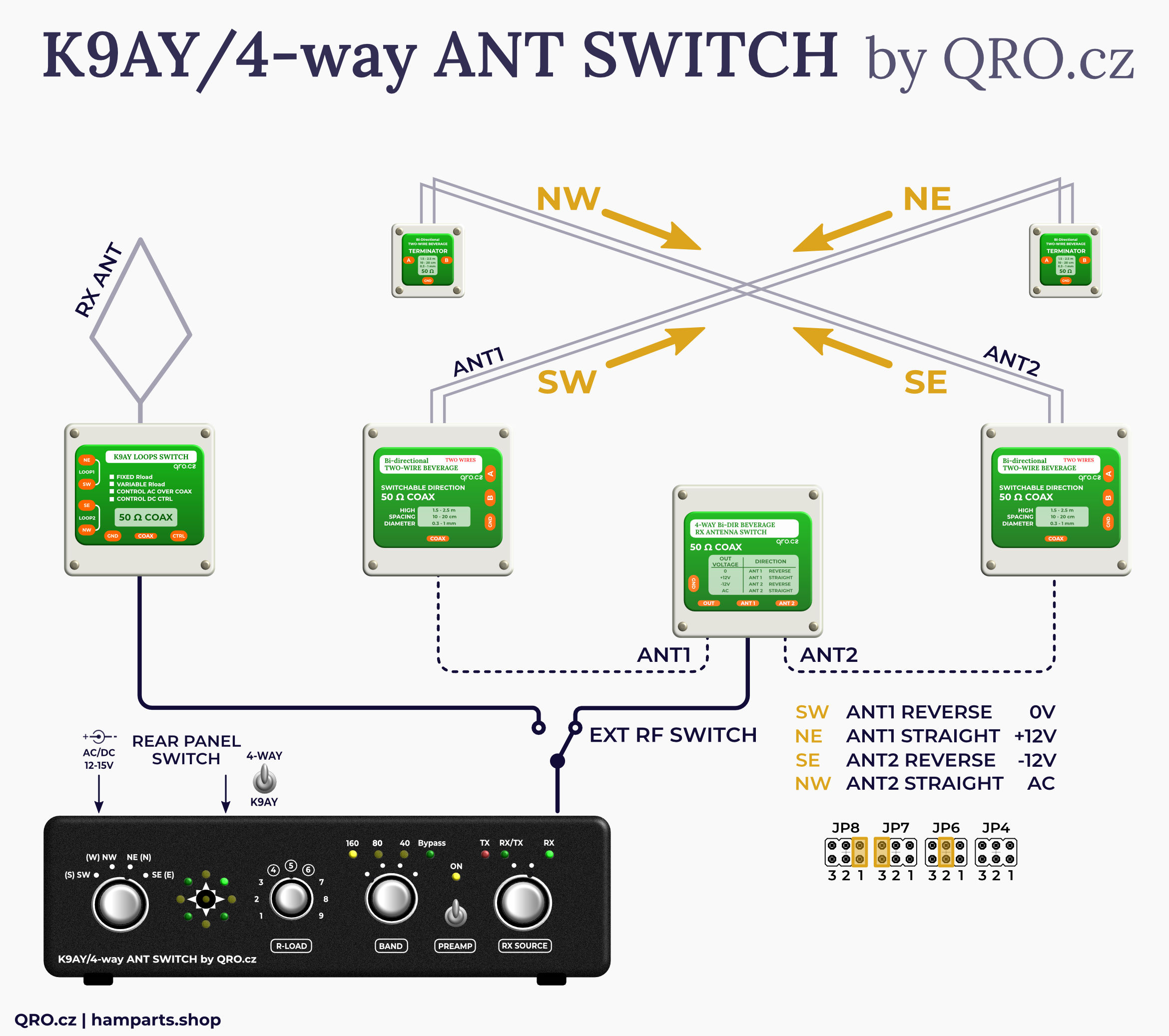
This switch can install it as a middle switch for two Bi-DIR Beverage Antennas or as a switch between 2-way Beverage and K9AY.
It's all about the internal jumper settings.
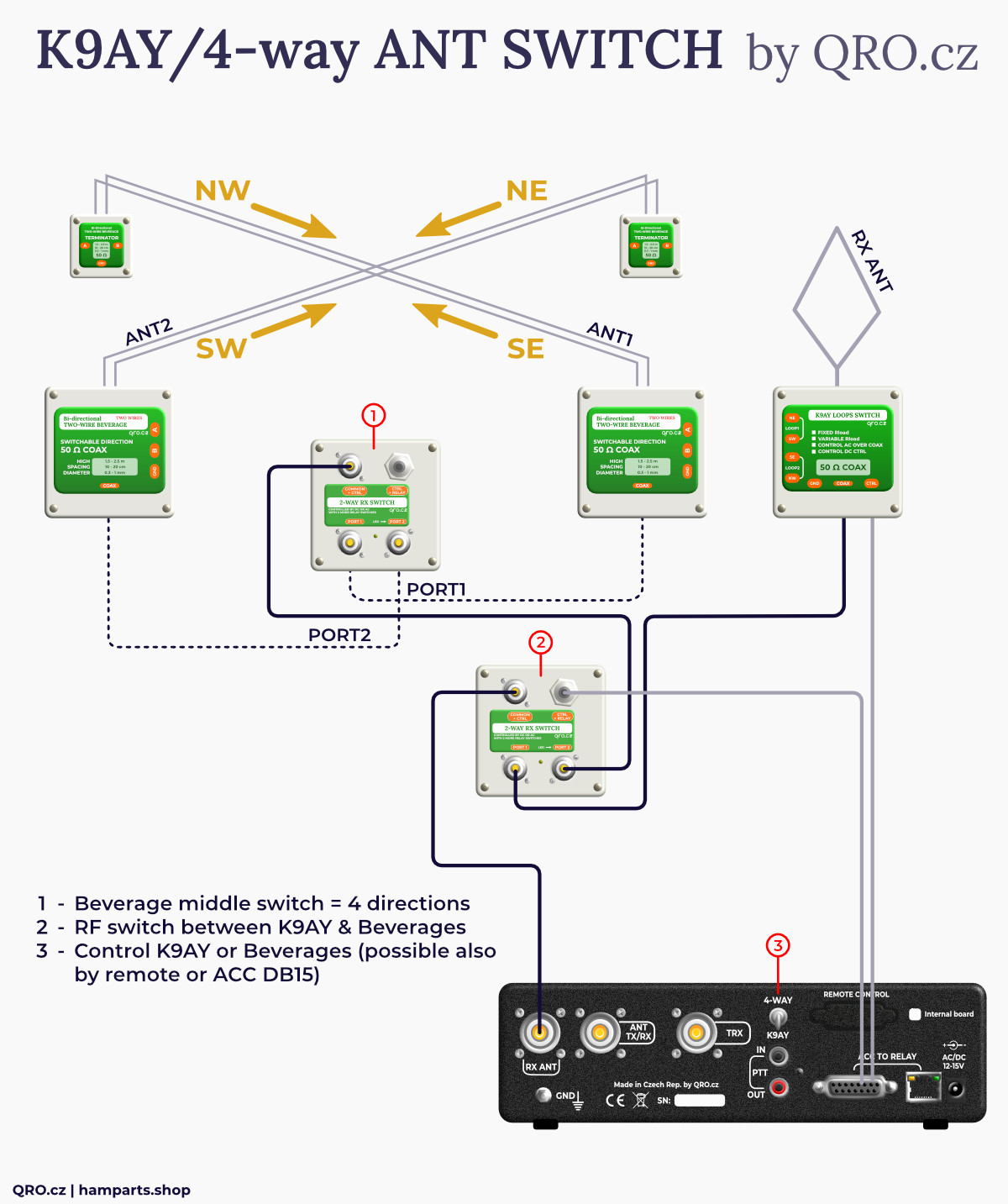
Example with two 2-WAY RX switches: direction and Beverage/K9AY
You have to setup for 4-WAY Beverages:
- Internal jumpers JP2 to Coax
- Internal jumpers JP3 to - DC
- Internal jumper JP1 to right position
Adding K9AY simply feeder - product page
Possibility to add K9AY antenna to Beverage system. With this option you get 4 more directions with very different radiation angles. You need to add an RF switch between the Beverage system and the K9AY, enable the K9AY control in the controller and set the jumpers in the K9AY feeder correctly.
You have to setup - 2-WAY RX switch between controller, Bverages and K9AY:
- Internal jumpers JP2 to EXT
- Internal jumpers JP3 to + DC
- Internal jumpers JP1 to right position
- You have to connect 2 wires from controller to J3
Connect GND and PIN 11 at D-SUB connector ACC TO RELAY at controller to VEXT and GND J3 connector in 2-WAY RX switch.
Now the rear toggle switch control this RX switch between 4-WAY Beverage and K9AY – or external, see text.
You have to setup - Controller:
- Enable K9AY control over the coax JP5
You have to setup - K9AY simply feeder:
- Short JP3
- Select JP4 to Coax
- More at manual

Bi-directional Beverage antenna ONE coax output - manual page
2 pairs of Bi-dir beverage set (2x feeder box and 2x terminator box)
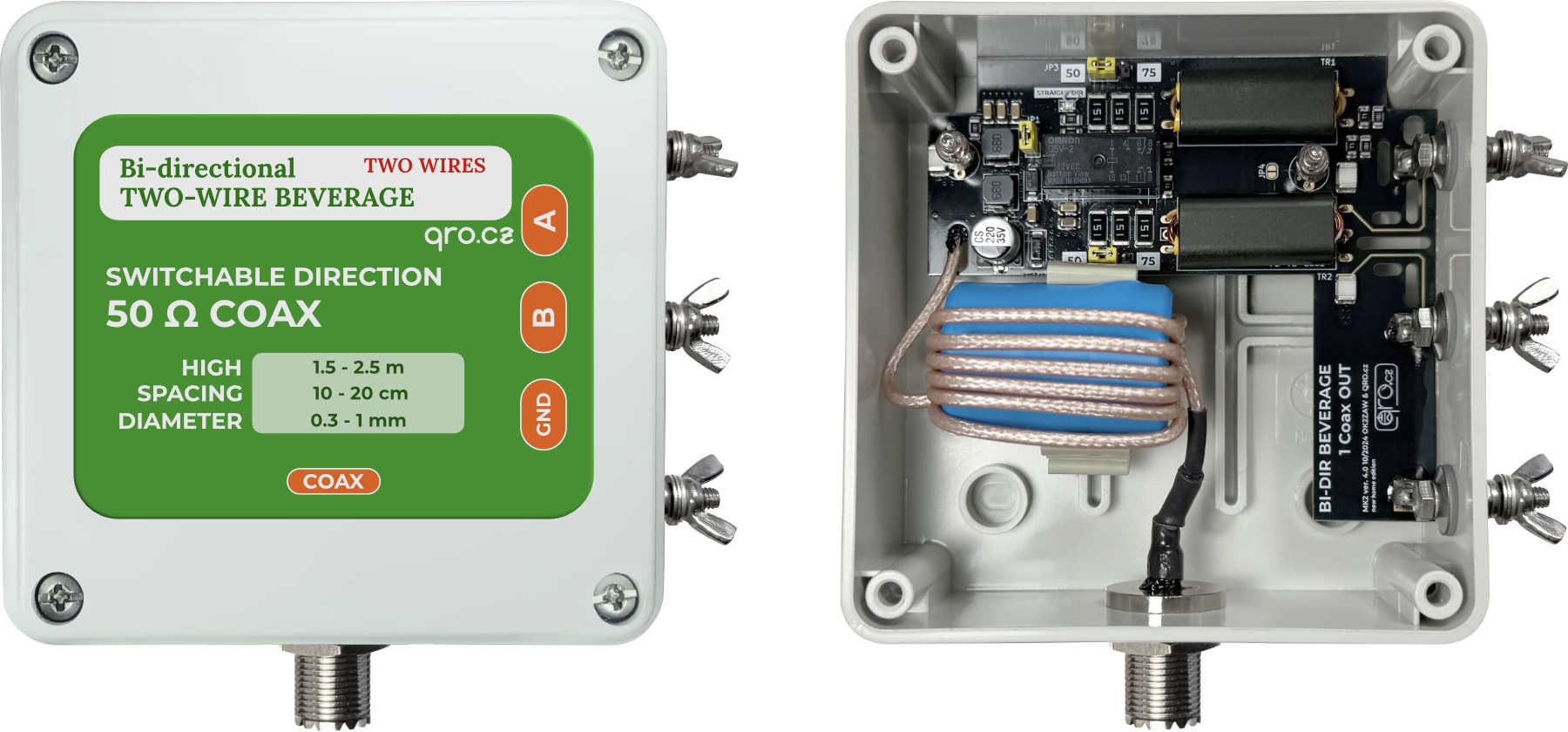
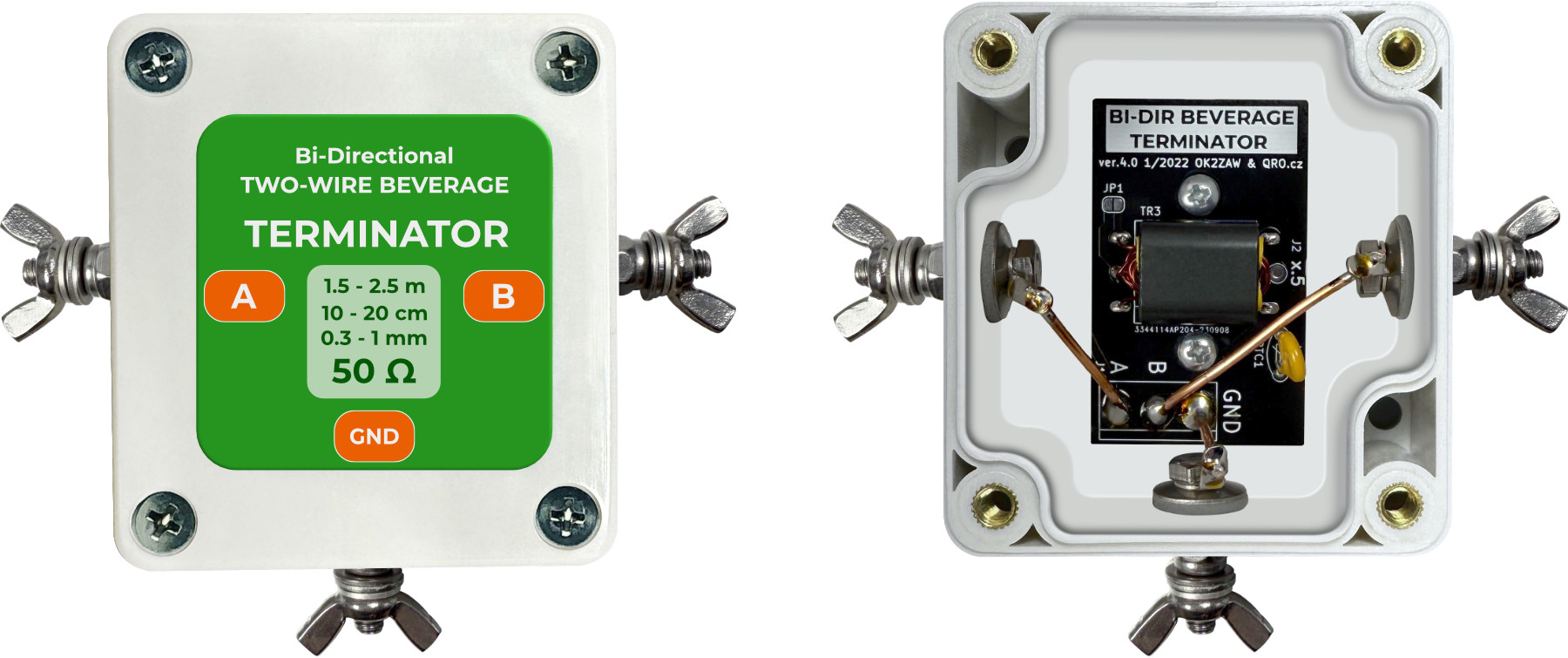
Where are your feeders? Direction matrix
This configuration is very important. Although beverage antennas can be placed in different ways, the control voltage remains the same. Therefore, the jumpers in the controller must be interconnected. This ensures that the direction indicator corresponds to the correct routing of the antennas.
- Everyone has different antenna configuration and also feeders could be on different places
- Controller allows you to set right jumpers and follows your installation - more info in article
- There are all 4 combinations
- Where there are terminators and feeders (Bi-directional beverage)
- Short jumpers for right 4-way Bi-dir beverage orientation - more info in article
⚠ older manual page for serial number < 2022 - more info in article
Example with older 4-way middle switch
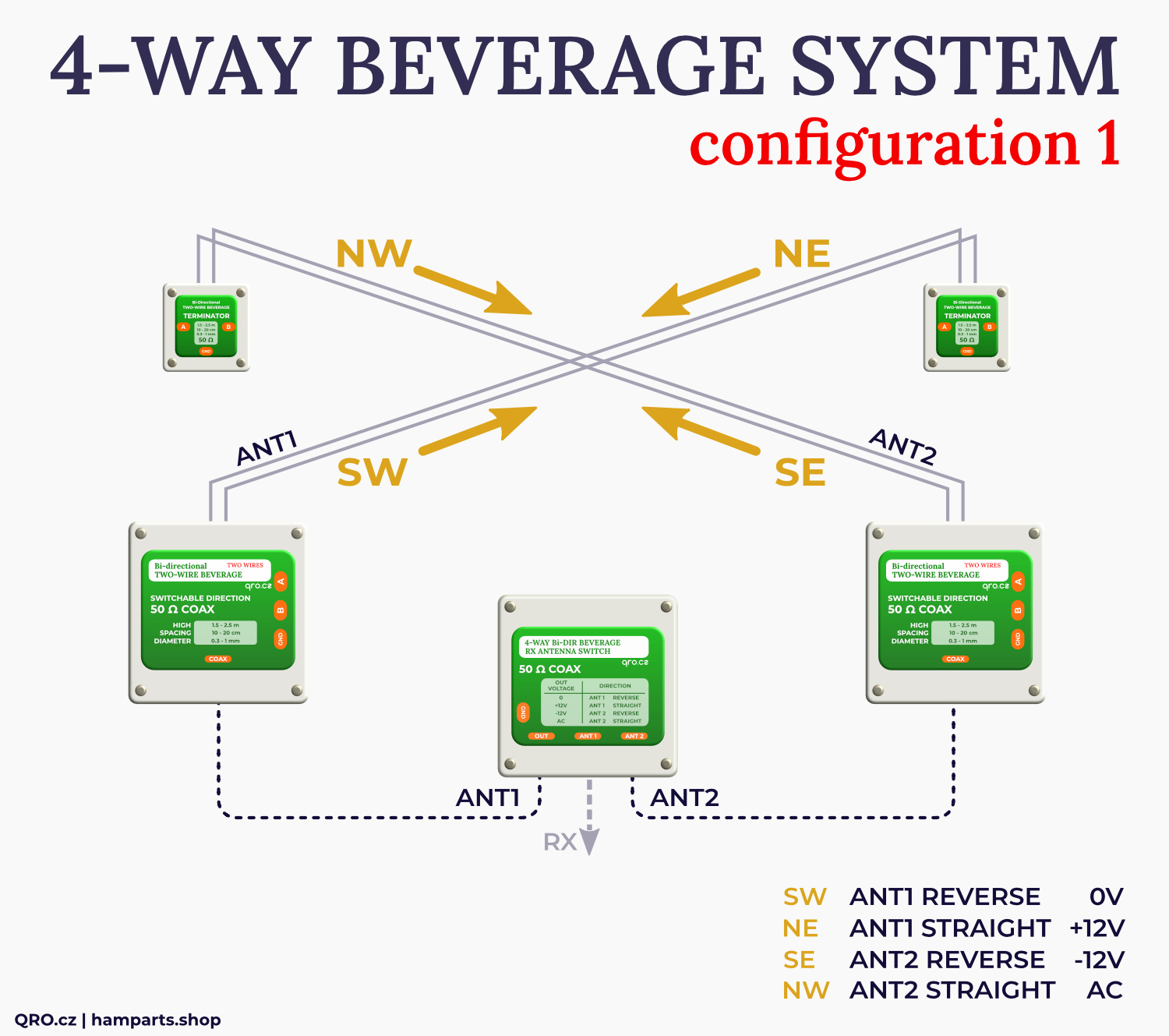
Example with 2-way RX antenna middle switch
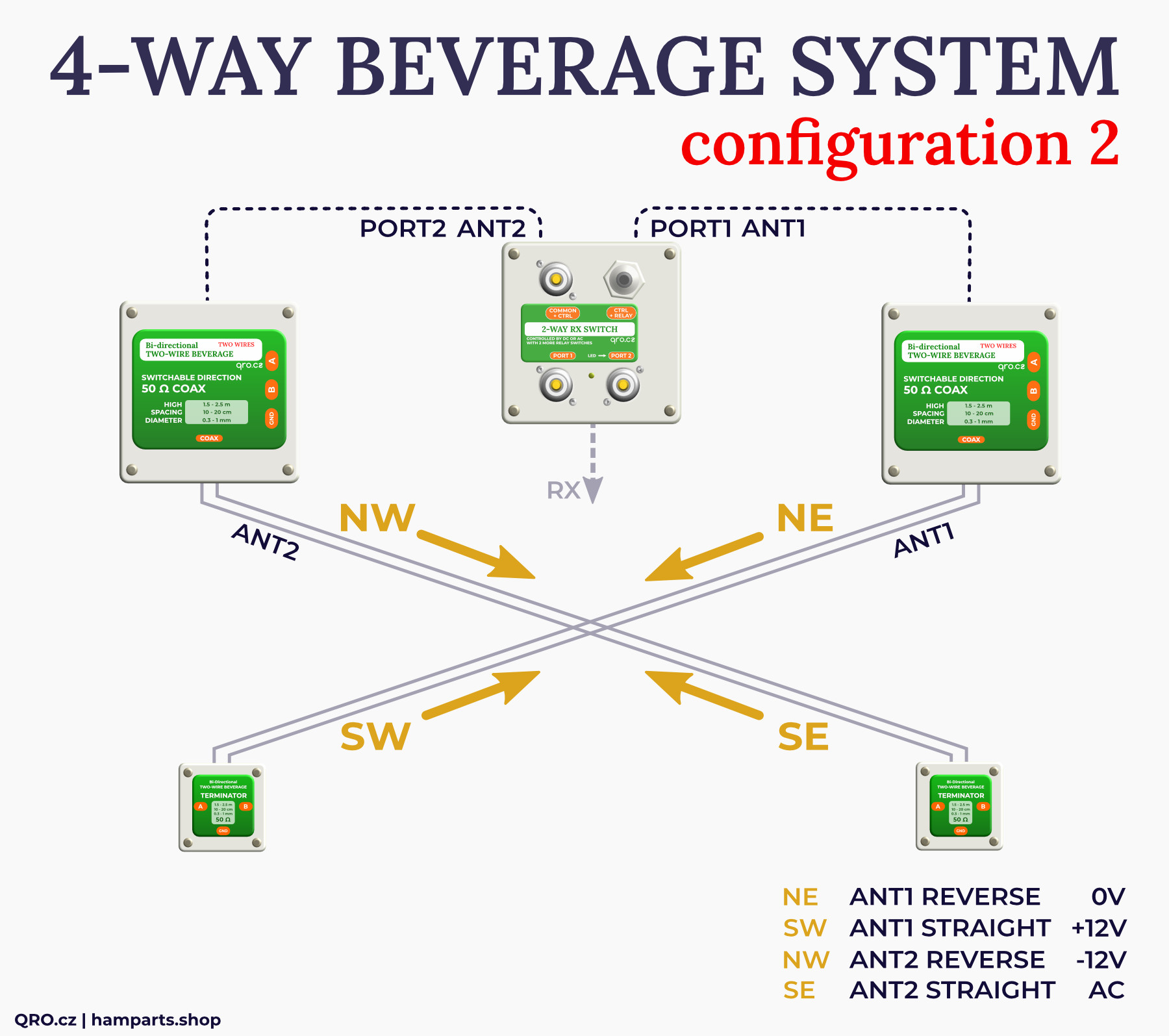
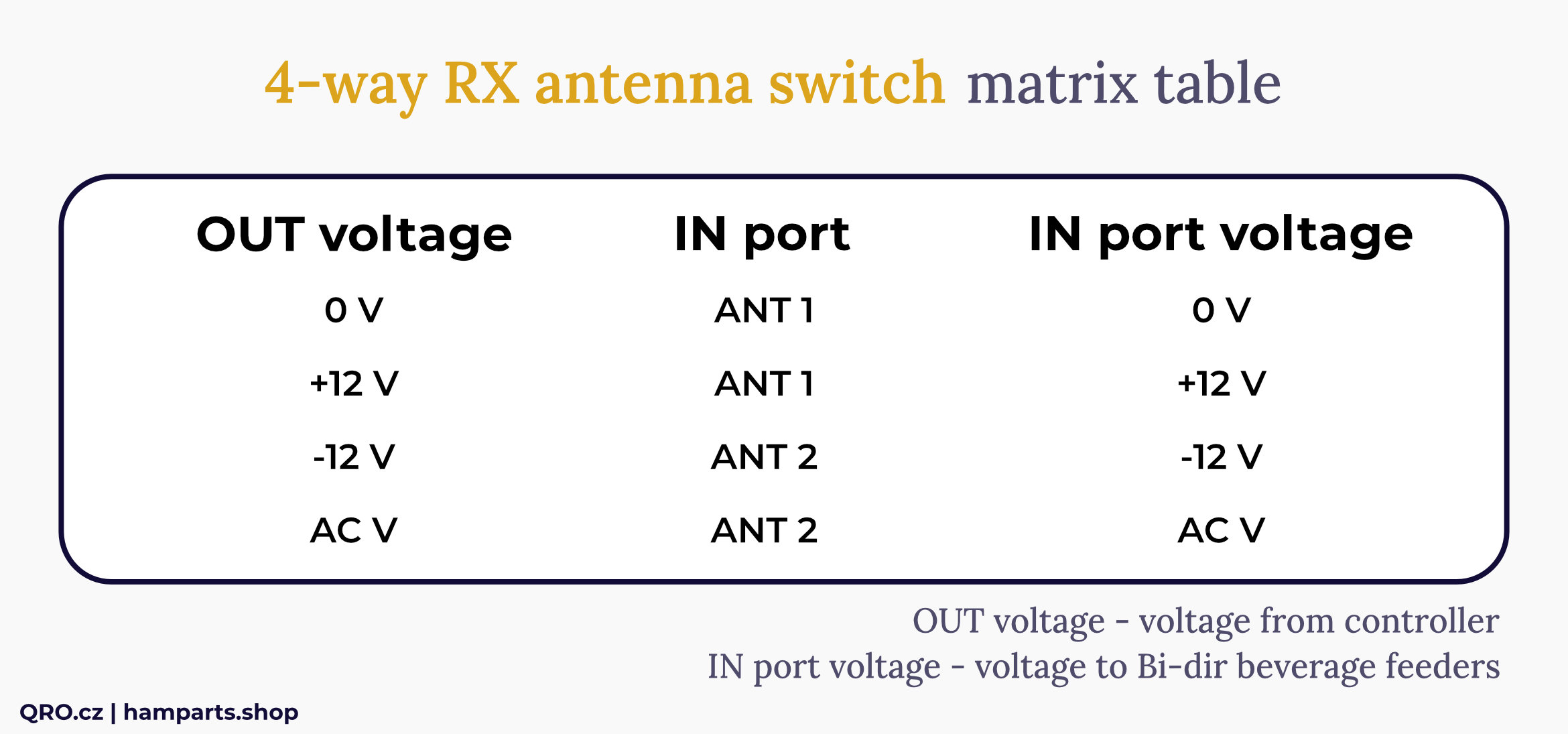
Control voltage for middle switch with two Bi-DIR Beverage antennas
(2-way RX switch controlled by -DC voltage)
Options: Recommendation to buy
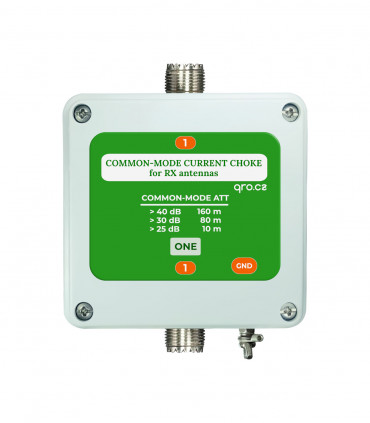
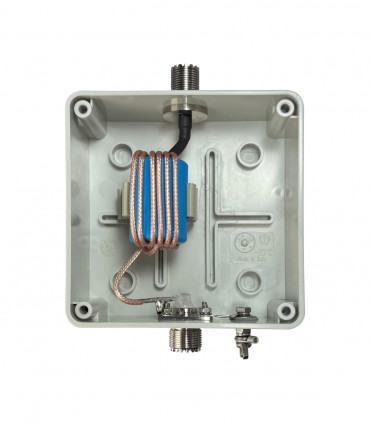
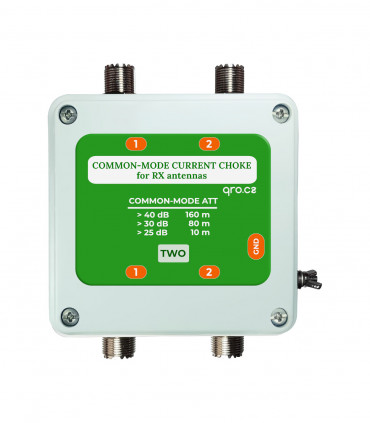
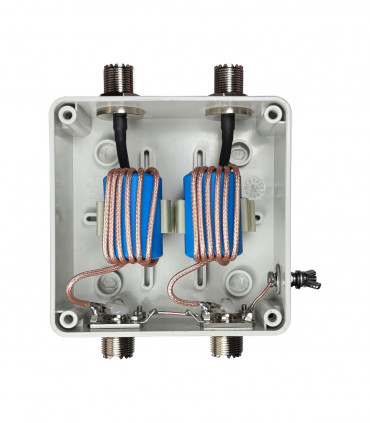
Common-mode current choke

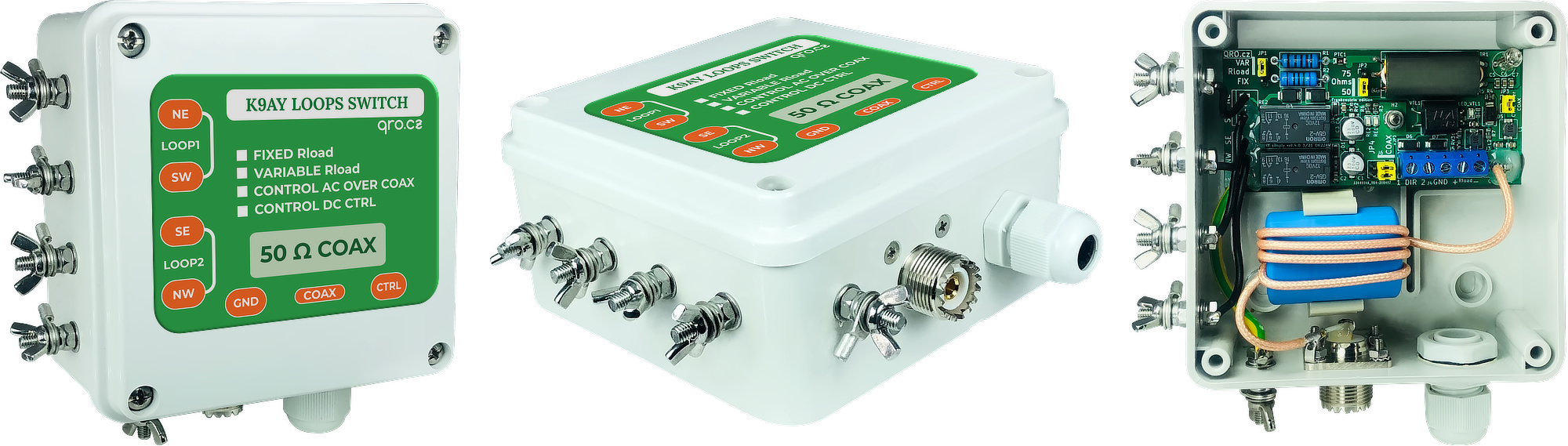
K9AY simply loops switch
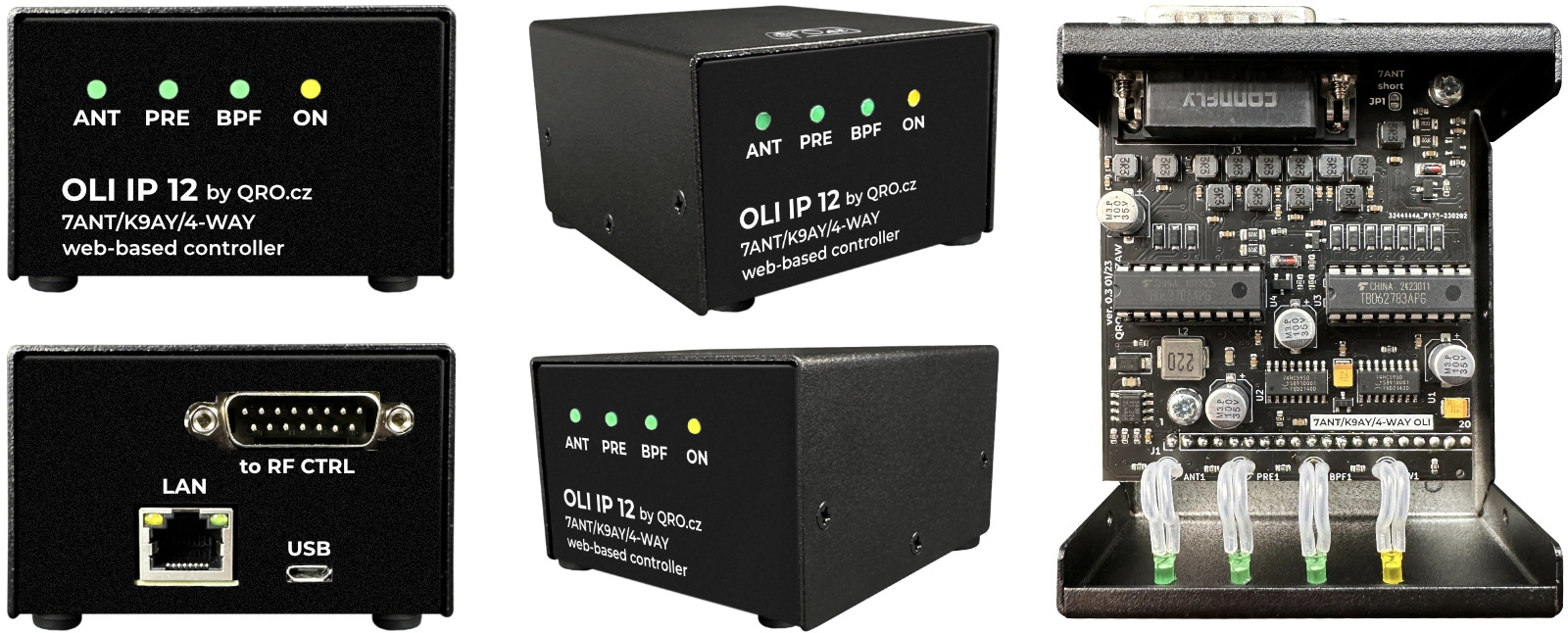
OLI IP 12
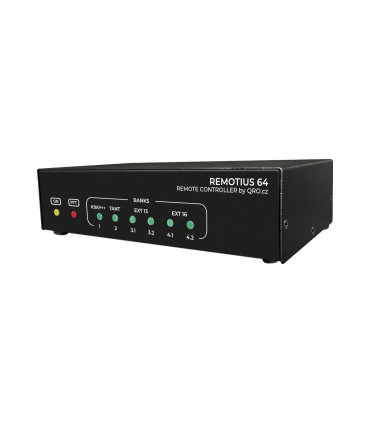
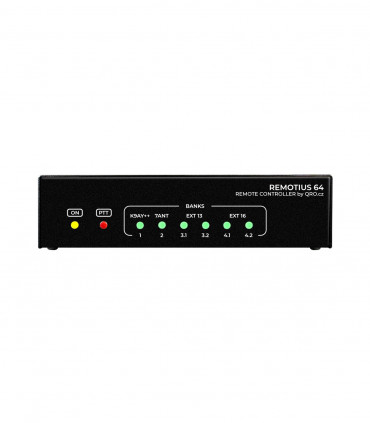
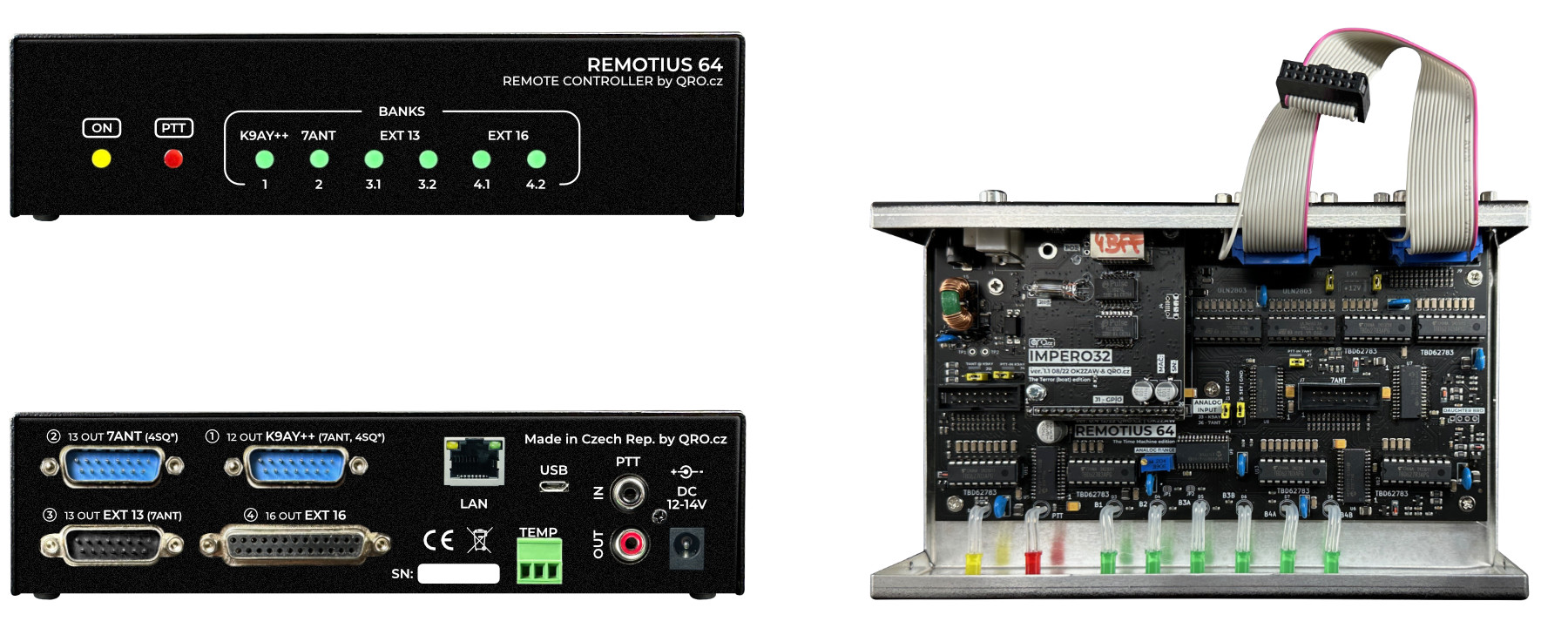
REMOTIUS 64
Previous versions
ℹ Manual for previous versions: manual