

330.33 €
(tax incl.)
273.00 €
(without tax)
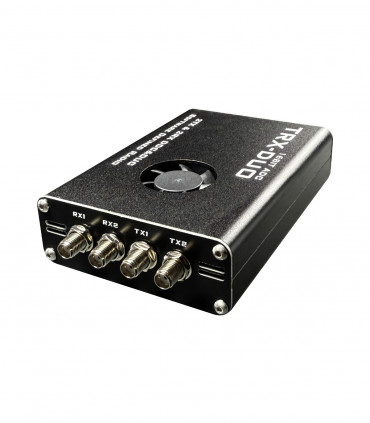
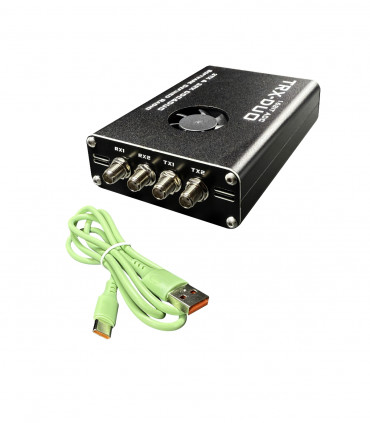
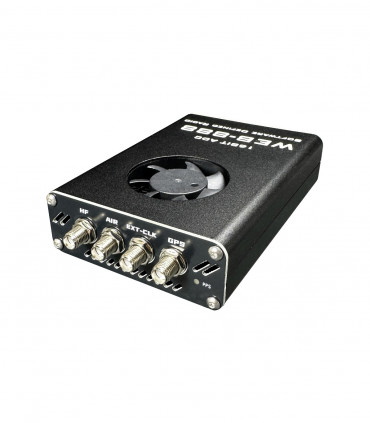
16 bit SDR receiver with LAN and lots of possibilities
select the delivery location, based on the selection, the sales prices and delivery costs will be recalculated


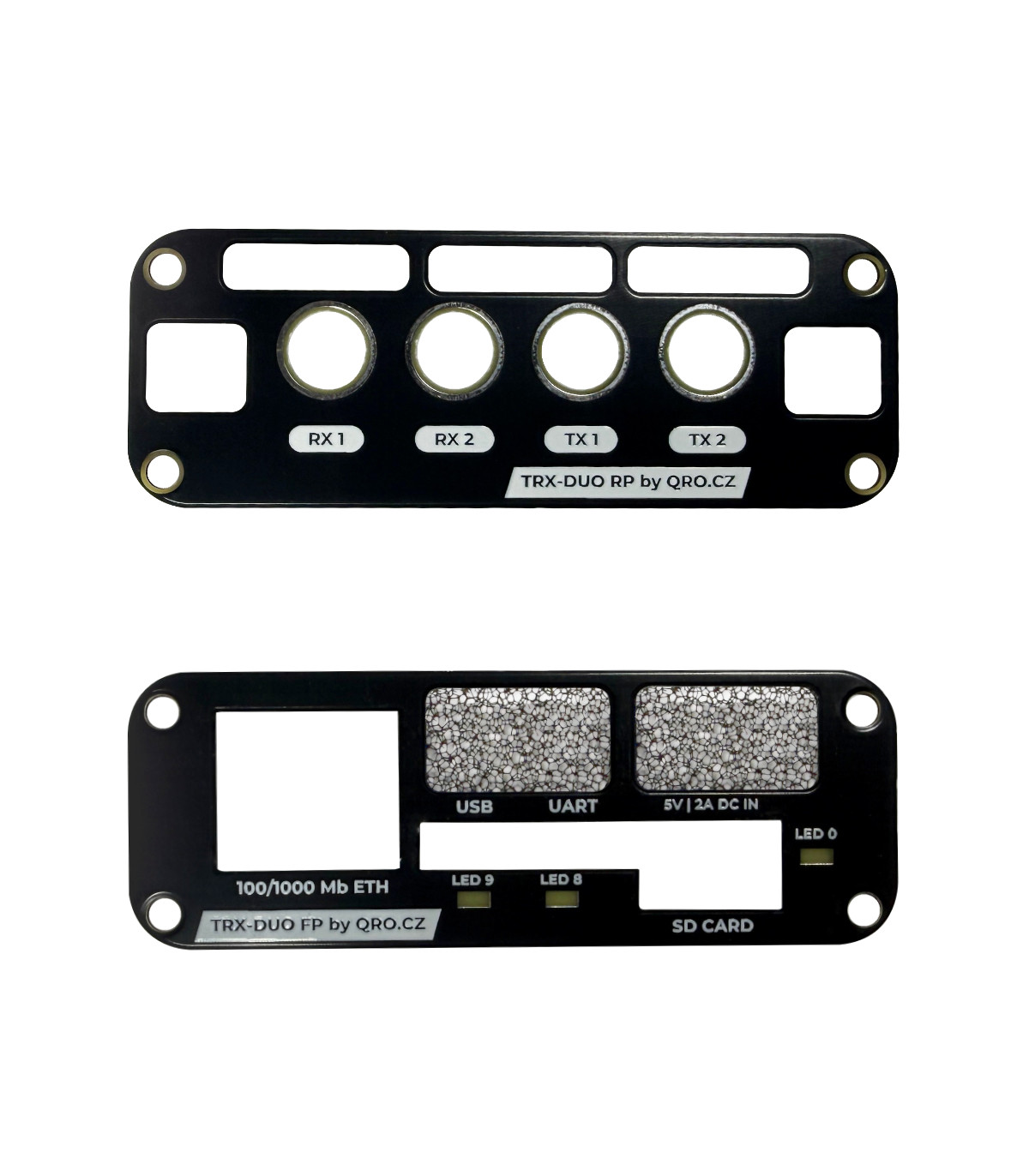
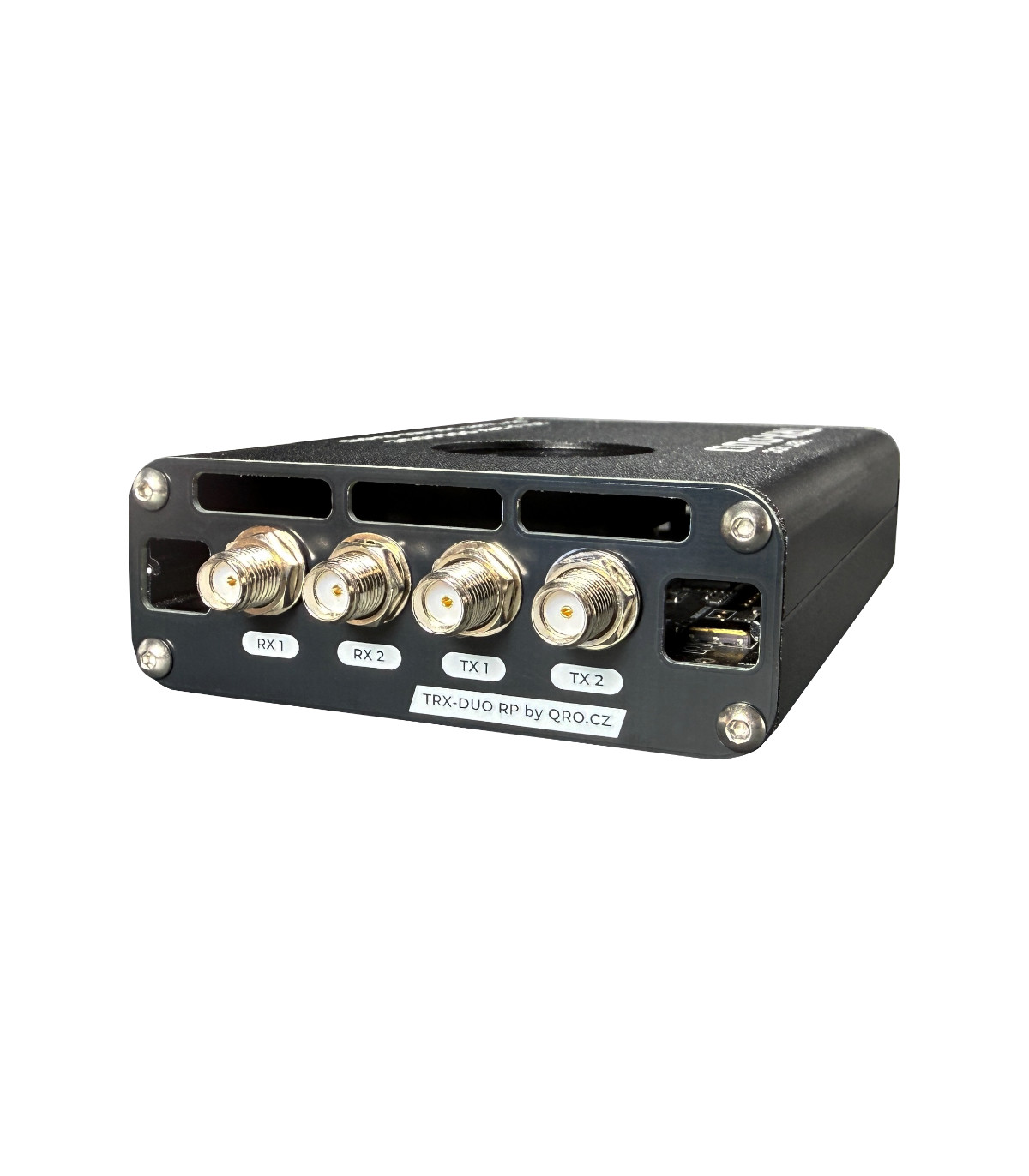
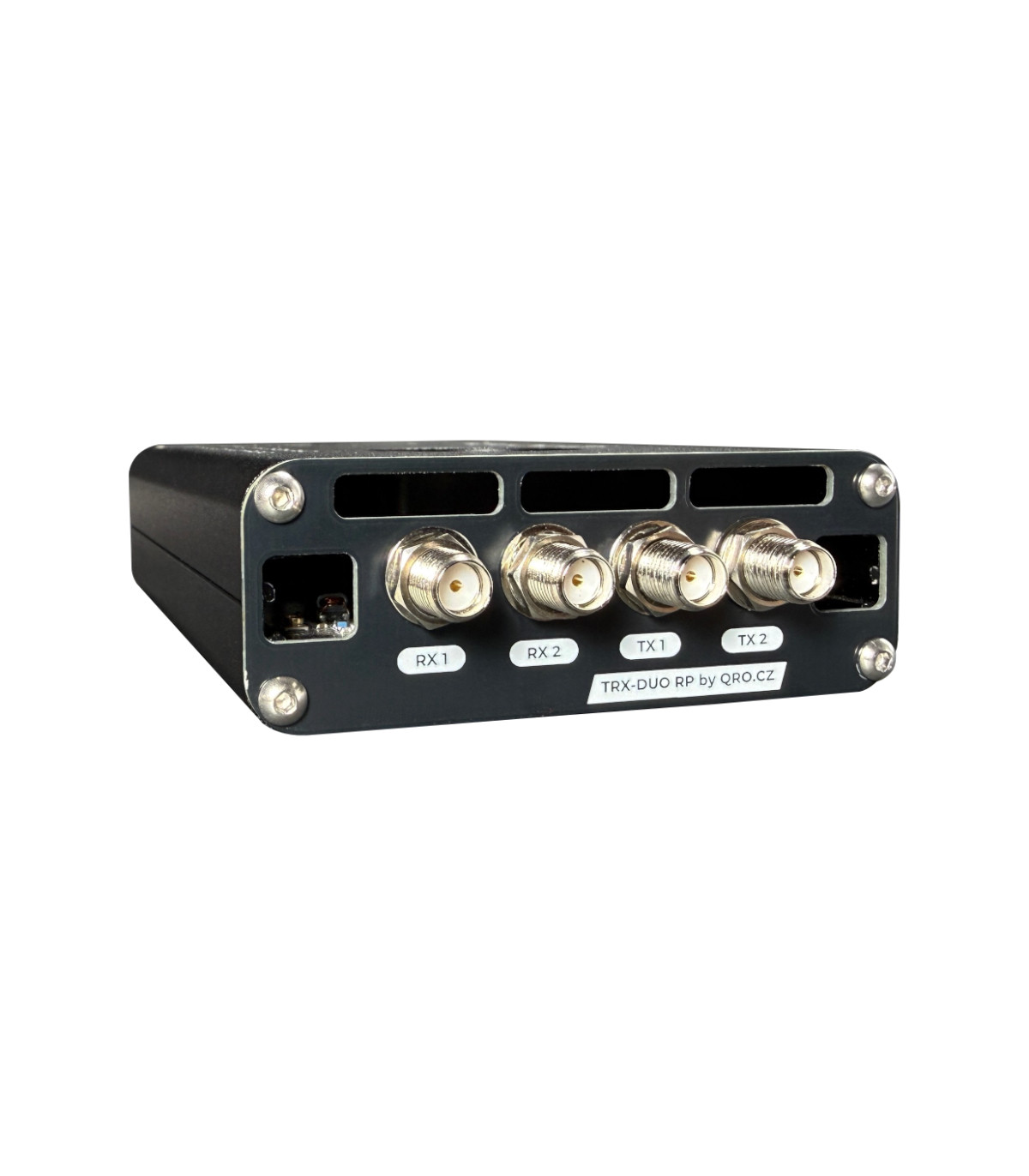
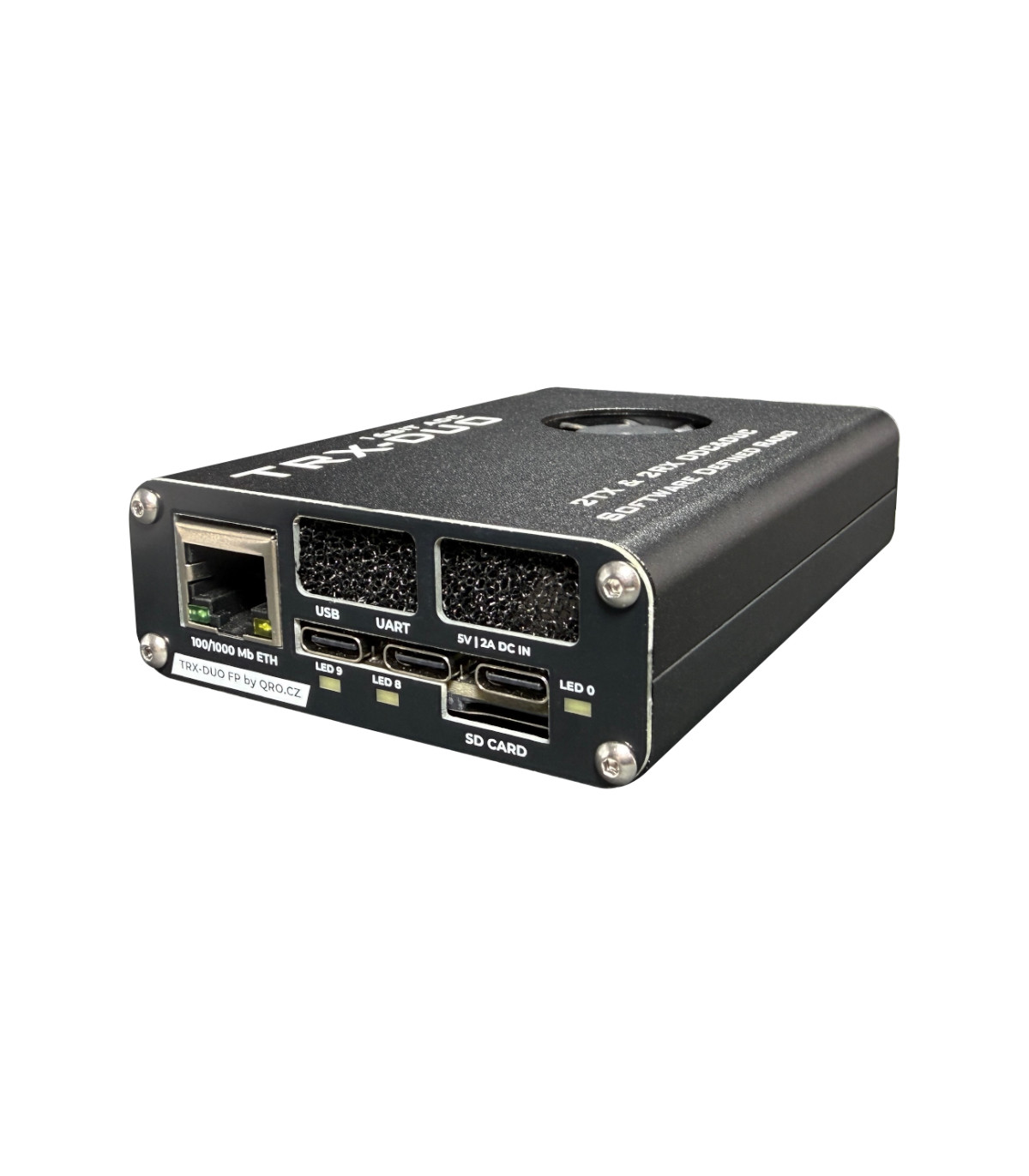
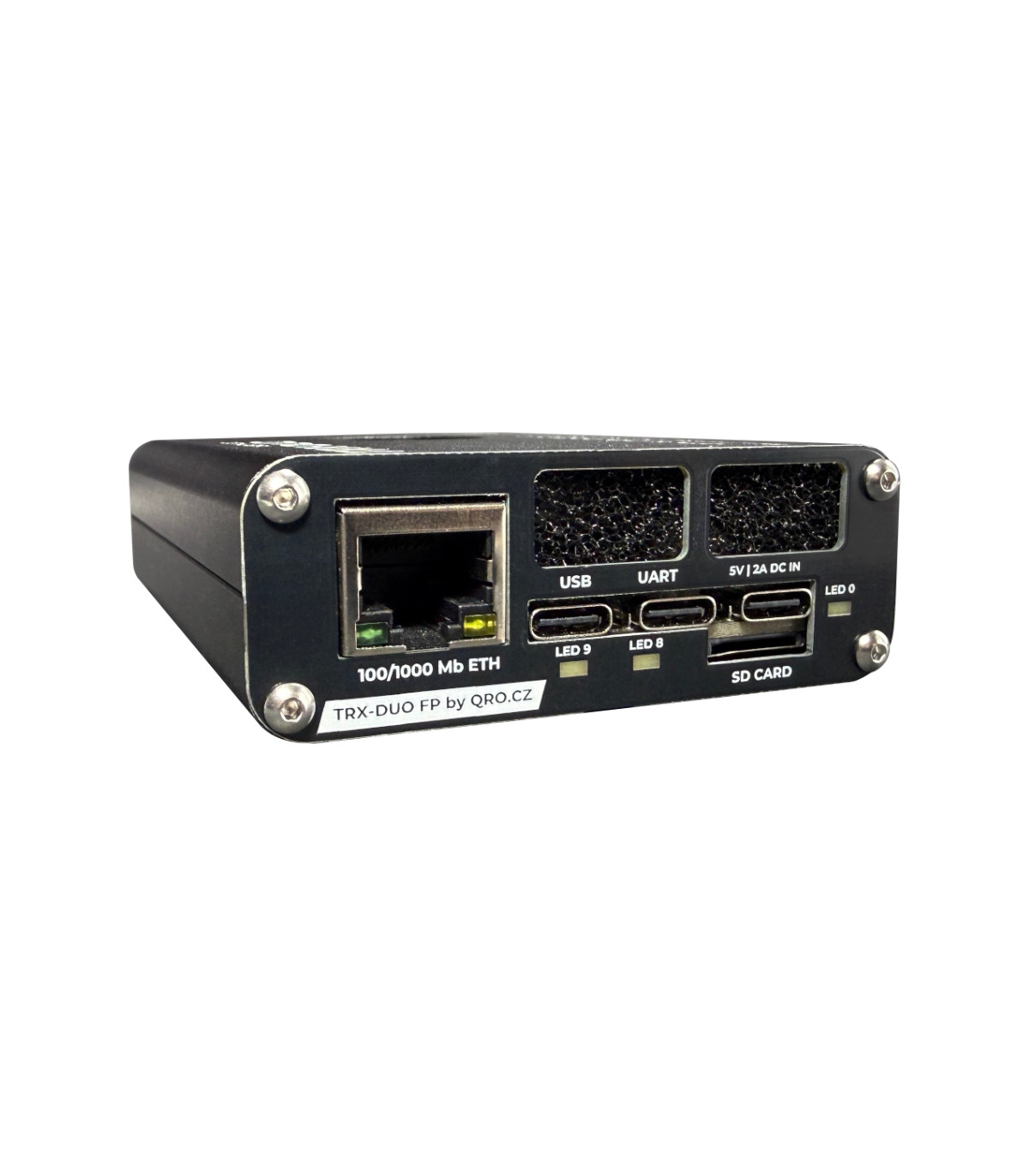


Panels for improved ventilation on TRX-DUO


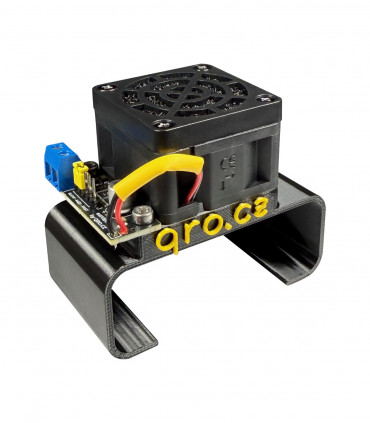
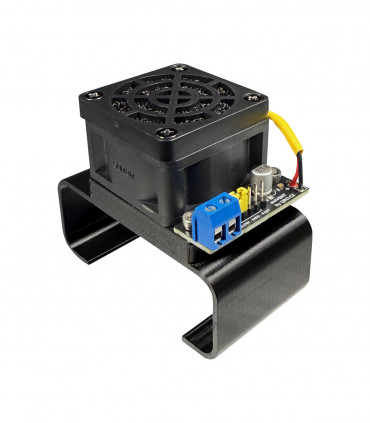
TRX-DUO is a powerful SDR that includes both a dual-channel 14-bit transmitter and two 16-bit RX ADCs. Together with the FPGA, this generates a lot of heat inside the box. The built-in fan is small and not very reliable. The ventilation holes in the panels correspond to the small fan. When using an external fan (extVENT), you can increase the airflow, but the holes in the panels are small. Our panels offer enlarged holes for better cooling.
If you operate SDR as a skimmer running 24/7, we recommend installing extVENT and these new panels.
VERSION: for TRX-DUO
RECOMMENDATIONS TO BUY:Turn off the SDR. Disconnect all connectors and remove the SD card. Unscrew the nuts from the SMA connectors. Unscrew one panel and replace it with a new one. Do the same with the second panel. Check that everything fits and screw the nuts onto the SMA. Now reconnect the SDR and check that the air is circulating.
Data sheet
Please sign in first.
Sign inCreate a free account to save loved items.
Sign inCreate a free account to use wishlists.
Sign in